

Share Note
Quickly send summaries or transcripts to partners/clients without requiring them to have a NoteX account.
1. Step-by-Step Guide
Step 1: Open the note you want to share.
Step 2: Click the Share icon in the top right corner.
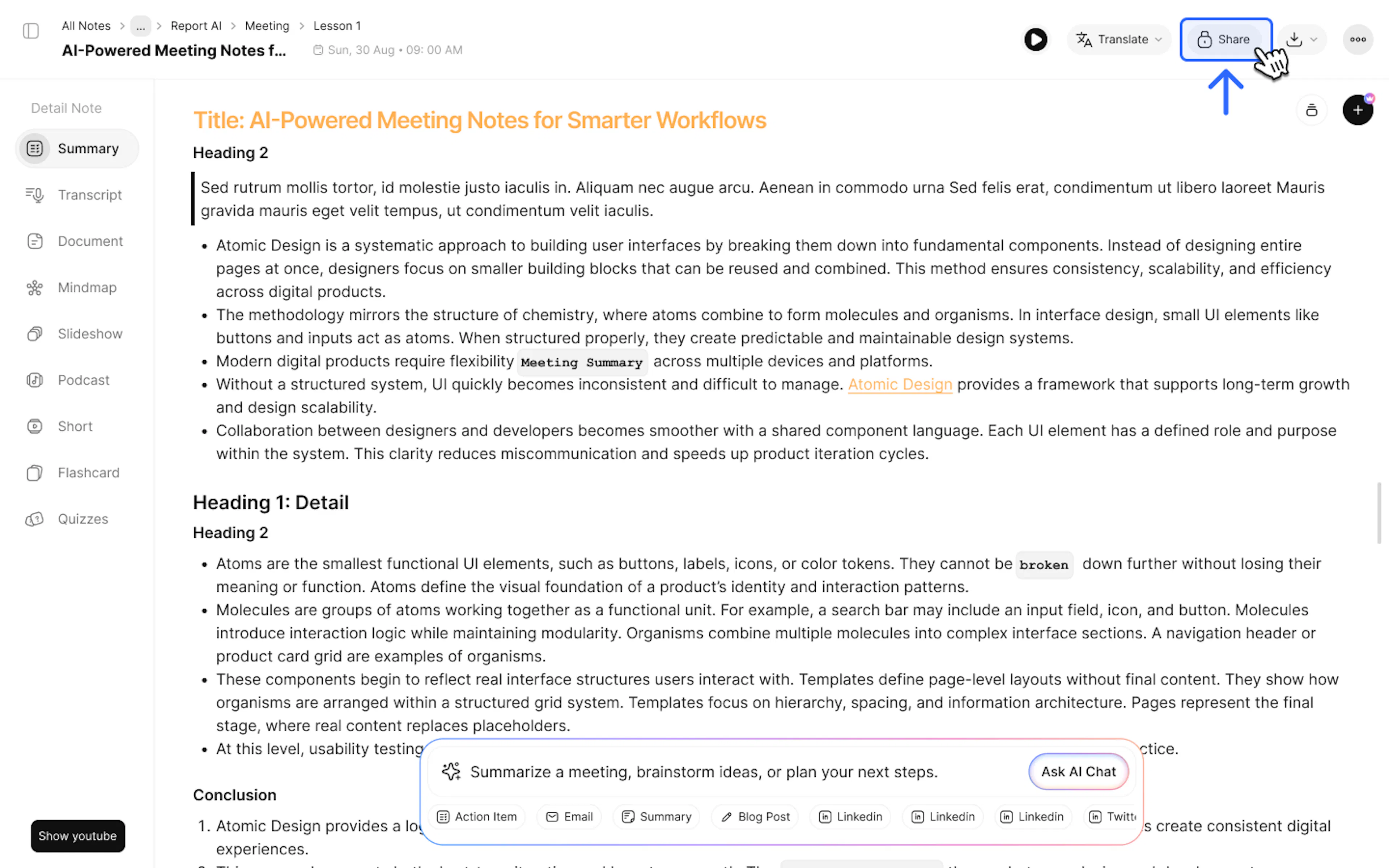
Step 3: Turn on Public mode.
Step 4: Customize privacy settings:
- Select Tab: Select the sections you want the recipient to see (e.g., only show Summary and Mindmap, and hide Transcript).
- Add Password: Enable password protection to secure sensitive content.
Step 5: Copy the link and send it to your partner.
2. Contact Support
If you need any further assistance, please do not hesitate to contact us via:
- Product support & bug reports: support@notexapp.com
- Partnerships & general inquiries: hello@notexapp.com
Was this page helpful?